Social creator
A portrait introduces a short story or recurring character.
Keep the line brief and check that the first audible word matches the first visible mouth movement.
photo lip sync video makerPortrait to scene
This page explains lip-sync concepts. The linked Vidione home page offers paid talking-avatar generation from a script, person portrait, and voice; enter those on Vidione after signing in. It does not promise source-video dubbing, singing videos, or reference-motion control. Browser timeline editing does not require a subscription, but AI generation does.
A lip sync photo project begins with one still face and a spoken line. Choose a clear portrait, plan the voice, then check whether the resulting mouth movement suits the person and the scene.
Link only. Nothing written or selected here is sent to the destination.
Open Vidione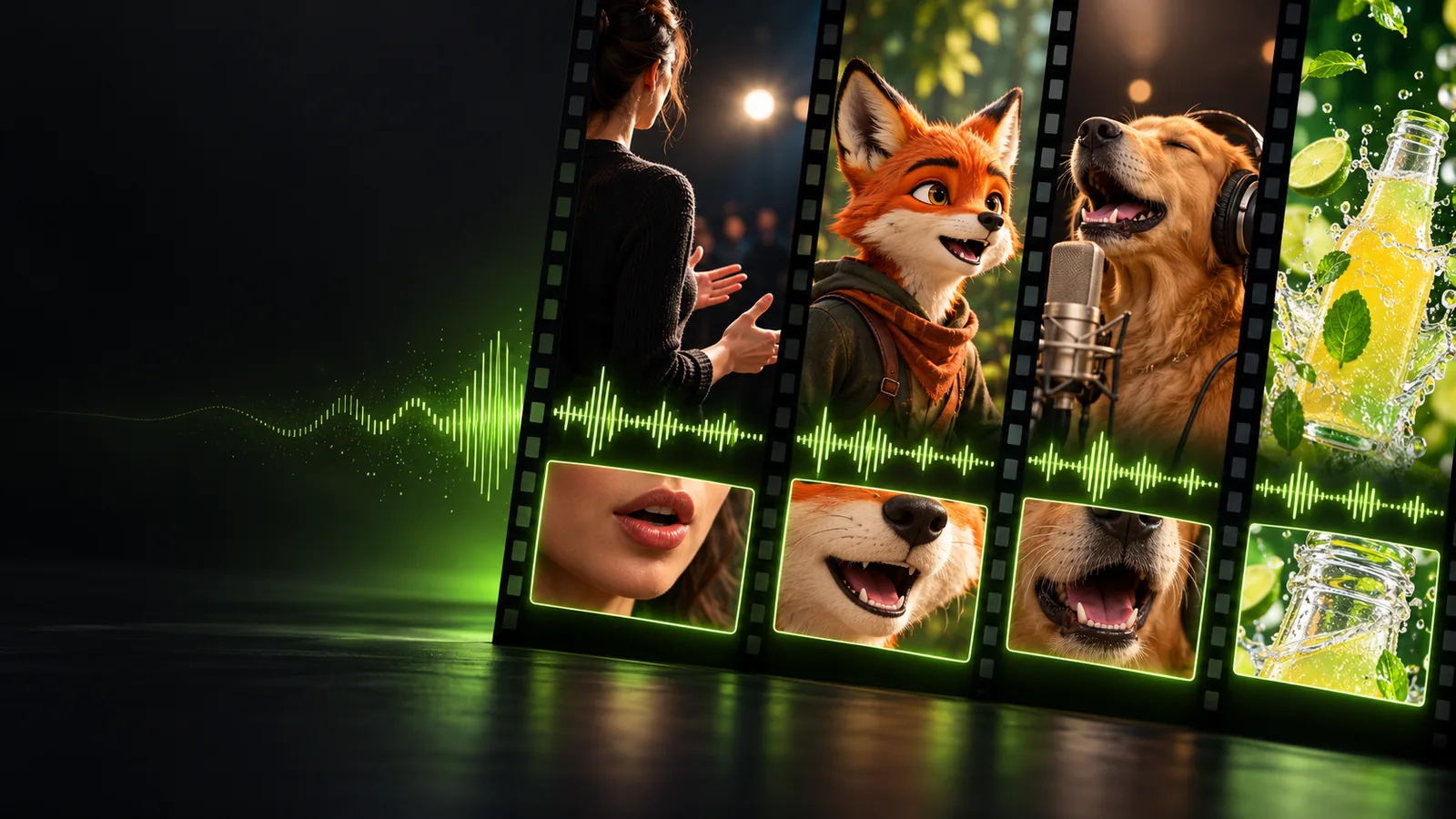
The starting image is a still photograph; the intended result is a moving portrait with speech that appears to match the face.
A convincing photo-to-speech result depends on both the source face and the way the line is delivered.
Start with a sharp, well-lit photo where the mouth is visible. Heavy shadows, hands over the face, and extreme angles make the intended expression harder to judge.
Write the exact words before working on motion. A brief line makes it easier to inspect consonants, pauses, and the moment the mouth should close.
Watch the result with sound, then without it. Check whether jaw movement, expression, and the beginning and end of the line feel consistent with the portrait.
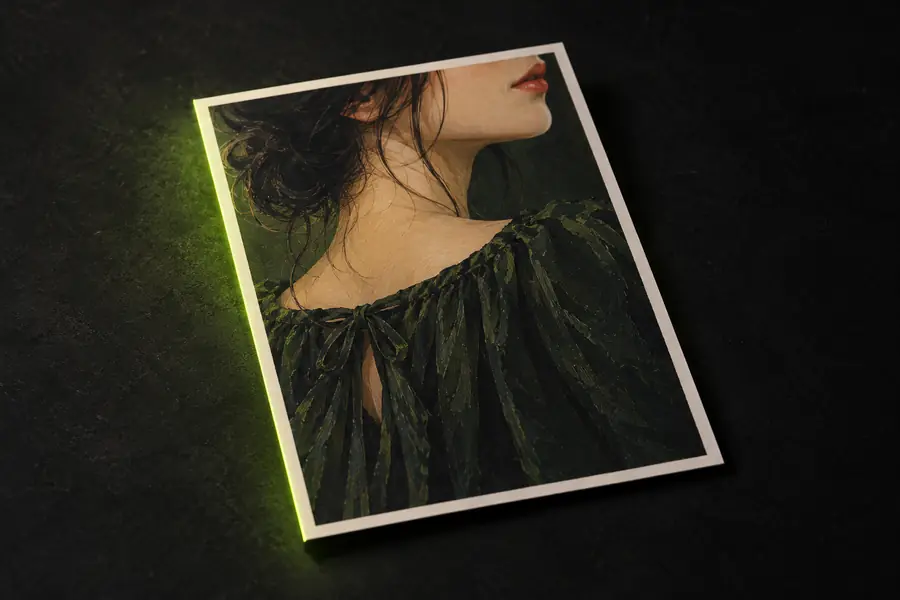
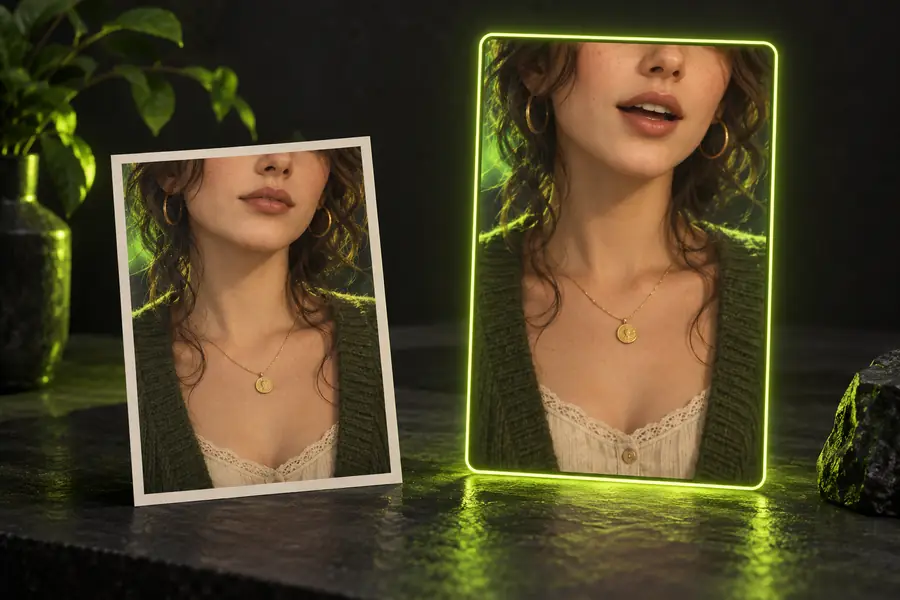
Look at the source and intended result side by side before deciding whether a speaking portrait serves your message.
Illustrative comparison, not a verified output pair. For a real project, inspect the actual clip frame by frame around speech starts and stops.
These use cases show what to prepare and what to inspect; they are not a list of guaranteed tool features.
A portrait introduces a short story or recurring character.
Keep the line brief and check that the first audible word matches the first visible mouth movement.
photo lip sync video makerA still presenter image needs to sit beside recorded footage.
Compare the speaking scene with adjacent shots for framing, expression, and perceived timing.
lip sync for youtubeA reference portrait helps establish how a character might deliver a line.
Focus on readable mouth shapes without treating photographic motion as an animation rig.
lip sync for animationA draft speaking portrait looks convincing until sound is enabled.
Locate the first point of drift, then inspect pauses and final consonants separately.
How to fix lip sync issues?Bring a clear photo and a specific spoken line to the next step. Review any result for timing, visual consistency, and permission to use the person's likeness before you publish it.
Open VidioneIt is a still portrait used as the visual starting point for a speaking scene. The goal is for visible mouth movement to correspond to a spoken line; the source photo itself does not contain motion.
Choose a sharp image with one clearly visible face, even lighting, and an unobstructed mouth. A near-frontal pose makes it easier to evaluate the result than a steep side profile.
An exact line gives you a clear reference for reviewing speech timing. If you are working from recorded audio instead, listen for pauses and clipped words before judging the visible movement.
The source may hide part of the mouth, or the motion may not suit the portrait's angle and expression. Compare short sections around consonants and pauses rather than judging only a single frame.
Get appropriate permission to use a person's image and voice, especially if the result could suggest they said something they did not say. Clearly identify synthetic or staged speech when the context could mislead viewers.