Practice workflow
Lip Sync Practice Animation for Better Timing
This page explains lip-sync concepts. The linked Vidione home page offers paid talking-avatar generation from a script, person portrait, and voice; enter those on Vidione after signing in. It does not promise source-video dubbing, singing videos, or reference-motion control. Browser timeline editing does not require a subscription, but AI generation does.
Use lip sync practice animation to rehearse mouth shapes, timing, and performance choices before polishing a finished scene. Follow a focused workflow from setup to review.
Link only. Nothing written or selected here is sent to the destination.
Open VidionePrerequisites
A short preparation pass makes the rehearsal more useful. Gather the same basic inputs you would use for a finished animation, but keep the first attempt simple.
-
1
Choose a clear audio line
Use one short sentence with distinct consonants and varied vowel sounds. A clean recording makes timing easier to inspect than music or crowded dialogue.
-
2
Prepare one readable face
Start with a front-facing character or portrait whose mouth is visible. Limit head turns, heavy effects, and overlapping facial motion during the first practice pass.
-
3
Mark the key sounds
Listen for obvious mouth changes such as closed sounds, open vowels, and rounded lips. These landmarks give your animation a practical timing guide.
-
4
Set a review question
Decide what you are checking first: mouth timing, expression, pronunciation clarity, or overall rhythm. One review goal keeps the exercise focused.
One Full Run-Through
Once the inputs are ready, run the complete exercise before making detailed corrections. These related guides cover nearby workflows when you want a different type of result.
Options Table
Different practice setups reveal different problems. Choose the simplest option that answers your current question, then move to a more demanding setup only after the timing is readable.
Simple practice pass
Performance practice pass
Audio
Simple practice pass
One short, clean spoken line
Performance practice pass
A longer line with natural pauses and emphasis
Character motion
Simple practice pass
Mostly still head and shoulders
Performance practice pass
Small head turns, blinks, or expression changes
Mouth visibility
Simple practice pass
Front-facing and unobstructed
Performance practice pass
Three-quarter angle or more stylized design
Timing goal
Simple practice pass
Match major sound changes first
Performance practice pass
Refine rhythm, holds, transitions, and emphasis
Review speed
Simple practice pass
Pause often between landmarks
Performance practice pass
Watch the full clip before inspecting individual moments
Best use
Simple practice pass
Learning the workflow and finding obvious drift
Performance practice pass
Testing whether the result survives a natural performance
Typical risk
Simple practice pass
Overfitting to a very simple sentence
Performance practice pass
Mistaking extra motion for accurate mouth timing
From Rough Timing to Readable Motion
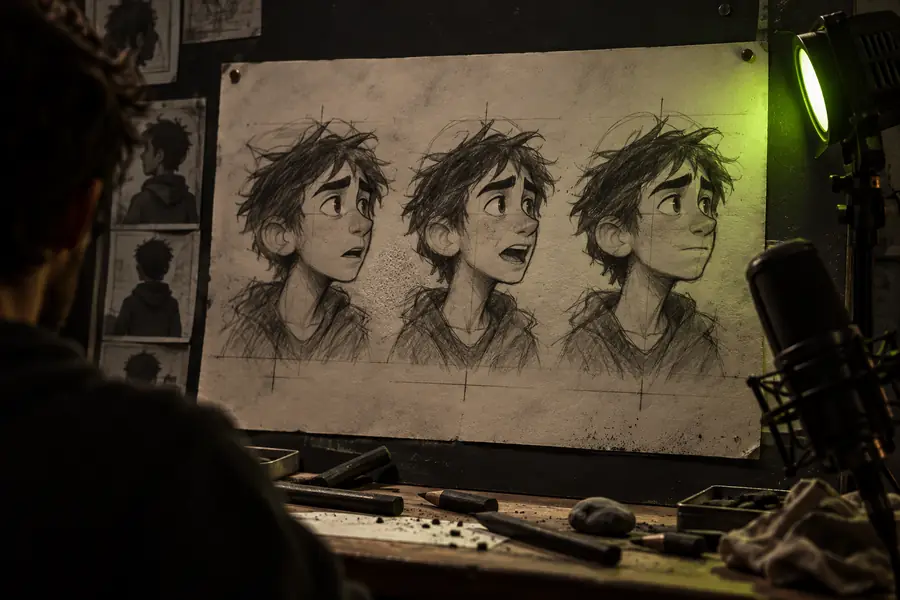
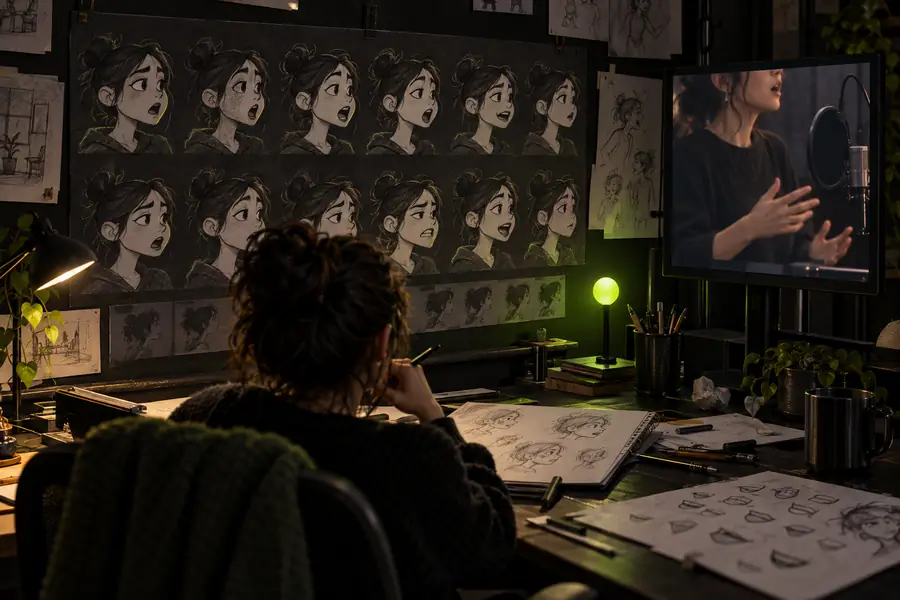
A useful practice clip does not need to look finished. It needs to make the relationship between the voice and the mouth easy to judge.
- Rough practice pass
- Refined animation pass
Compare the rhythm first, then inspect individual mouth changes. A polished frame can still feel wrong if its timing drifts from the audio.
What Fails
Practice is most valuable when it exposes limits early. These are common failure points in a lip sync exercise, along with practical ways to reduce their impact.
-
Unclear or compressed audio
Muffled speech, background noise, and strong compression can hide the sound changes that guide mouth movement.
WorkaroundUse the cleanest available recording and begin with a short spoken phrase before testing noisier audio.
-
Too much motion at once
Head turns, exaggerated expressions, and camera movement can make it difficult to tell whether the mouth is actually synchronized.
WorkaroundLock the camera and reduce secondary motion until the mouth timing is readable.
-
Literal sound-by-sound movement
Changing the mouth on every tiny audio fluctuation can create nervous, unnatural animation instead of clear speech.
WorkaroundPrioritize major phonetic landmarks, then use holds and smooth transitions between them.
-
Stylized designs with limited shapes
A character with a small mouth or abstract facial design may not show subtle pronunciation differences clearly.
WorkaroundFocus on readable open, closed, rounded, and neutral states rather than forcing detail the design cannot display.
Turn Practice Into a Repeatable Habit
Ready to test your next animation line?
Start with one short phrase, review the complete result, and make one targeted correction at a time. A repeatable lip sync practice animation routine helps you separate audio problems, timing drift, and character-design limits before they reach a finished scene.
Open Vidione- Use one clear review goal
- Compare rough timing before polishing
- Keep the first scene visually simple
Lip Sync Practice Animation FAQ
These answers address the main questions behind a lip sync practice animation workflow.
It is a short rehearsal clip used to test how well visible mouth movement follows spoken audio. The goal is to identify timing, readability, and performance issues before refining a longer animation.
Begin with one clean, short sentence and a character whose mouth is easy to see. Keep the camera and secondary motion simple, then mark the major sound changes before reviewing the full clip.
Check whether the broad mouth openings, closures, and rounded shapes arrive at the right moments. Once the main rhythm works, inspect smaller transitions and expressions instead of correcting everything at once.
Yes, but the design may not support detailed pronunciation shapes. Use a small set of readable mouth states and judge whether the speech rhythm is clear rather than expecting every sound to have a distinct drawing.